 palmER
Personal Notes.
Add personalized notes to any topic in palmEM AI and create a customized reference that adapts to your clinical practice style and patient population.
Every emergency department has its own culture, every provider has their preferred approaches, and every patient population has its quirks. palmEM AI's notes feature lets you customize the app's content with your own clinical observations, institutional protocols, and practice pearls.
Think of it as writing in the margins of your favorite textbook - except these notes sync across all your devices and are always accessible when you need them.
Adding Notes to Any Topic
- 01Open the topic
Navigate to any topic in the app (medication, clinical decision rule, guideline, etc.).
- 02Tap the notes icon
Look for the notes icon in the upper right corner of the title bar and tap it.
- 03Type your note
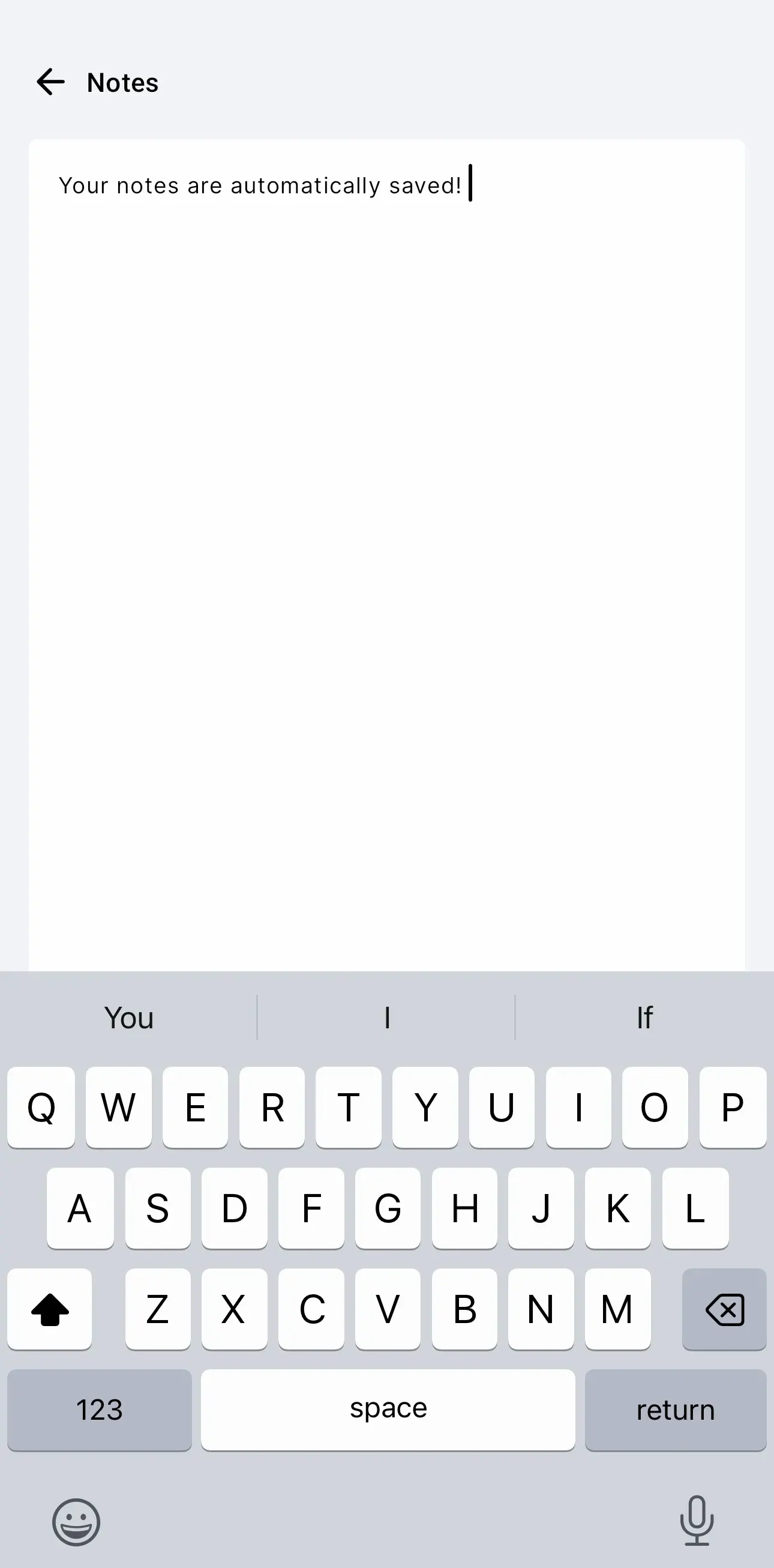
Enter your custom notes in the text field that appears.
- 04Notes save automatically
Your note saves automatically as you type - no save button needed.

What to Include in Your Notes
Consider adding:
- Local protocols
- Practice pearls
- Patient population insights
- Institutional preferences
- Dosing modifications
- Resource availability
Automatic Saving and Sync
Your notes save automatically as you type - no save button needed. You won't lose your work if you navigate away or close the app.
All notes are stored in your palmEM account and sync across every device where you're logged in. Add a note on your phone during a shift, and it's available on your tablet at home.
Editing and Viewing Notes
Accessing your notes is simple:
- Whenever you return to a topic with a note, tap the notes icon to view or edit it
- Edit your notes anytime - changes save automatically
- Delete notes by clearing the text field completely
Privacy and Security
Your notes are private to your account and encrypted in transit and at rest. They're never shared with other users.
Create Your Personalized Reference
Over time, your notes transform palmEM AI into a customized clinical reference that reflects your practice environment and experience. You're building the reference tool you wish you'd had as a resident - tailored to the real-world medicine you practice every day.